
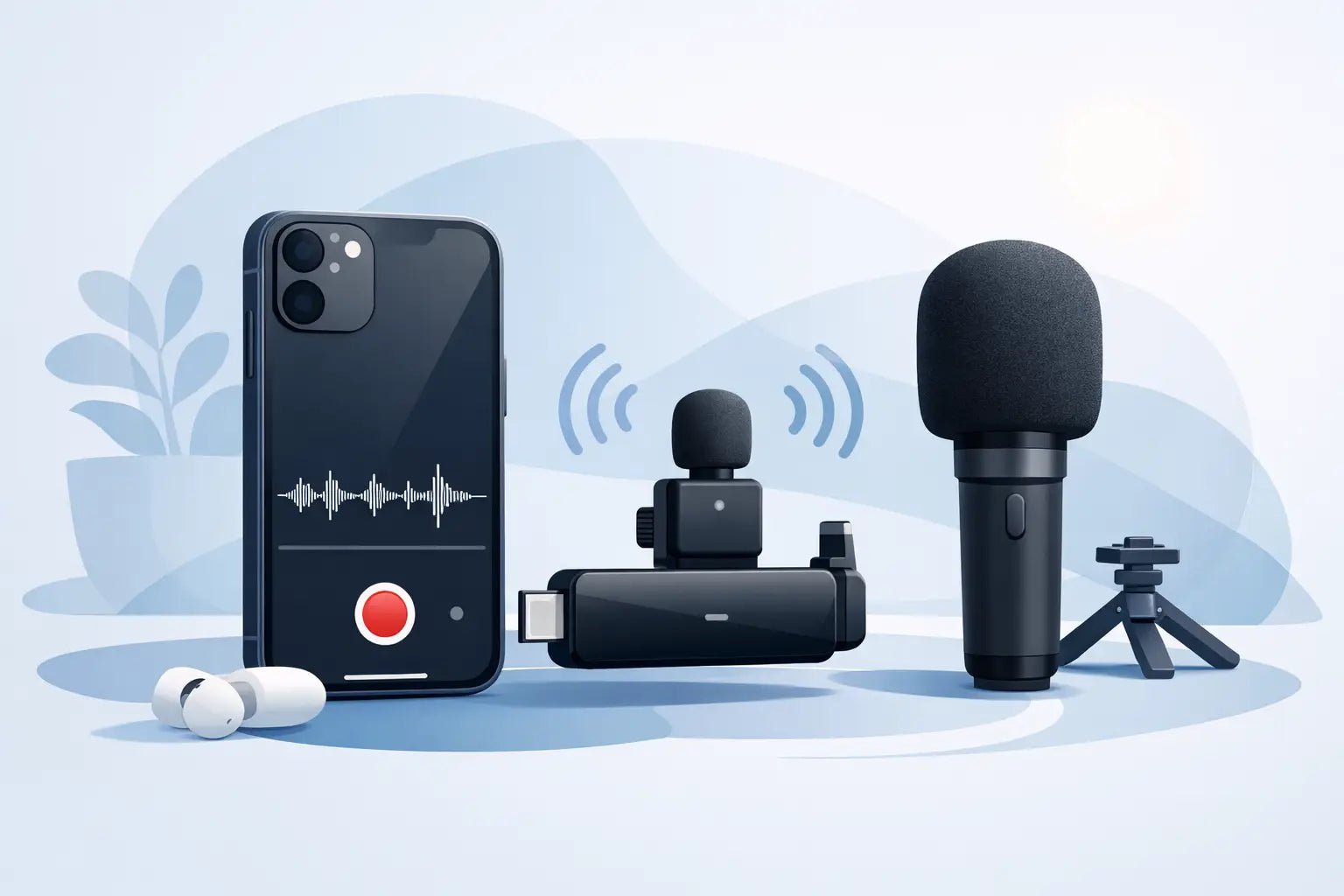
Bad audio makes great footage feel cheap fast. A clean iphone wireless microphone setup fixes that in minutes, but only if the pieces actually work together: your iPhone, your mic receiver, your recording app, and the way you place the mic on your body. The goal is not more gear. The goal is clear voice, less friction, and a setup that looks as sharp as it sounds.
What an iPhone wireless microphone setup really needs
Most creators assume wireless audio is plug and play. Sometimes it is. Sometimes your iPhone refuses to see the receiver, your levels peak out, or your voice still sounds distant because the mic is clipped in the wrong spot. That is why setup matters more than specs on a product page.
At the core, an iPhone wireless microphone setup needs three things: a microphone transmitter, a receiver that connects properly to iPhone, and a recording path that recognizes external audio. If one of those breaks, your content falls back to the phone's internal mic or records with problems you may not catch until editing.
The first decision is connector type. If you use an older iPhone with Lightning, you need a receiver or adapter built for Lightning. If you use a newer iPhone with USB-C, you need a USB-C compatible receiver. This sounds obvious, but it is the number one source of setup failure. Creators often blame the mic when the real issue is a mismatched port.
The second decision is workflow. Are you shooting talking-head videos, street interviews, workouts, vlogs, tutorials, or voiceovers on the go? A seated indoor setup is forgiving. Outdoor shooting is not. If you move a lot, you need stable wireless performance and smart noise control. If you shoot fashion, lifestyle, or creator-led brand content, the look of the mic matters too. Audio gear is part of the frame now.
How to set up your wireless mic on iPhone
Start simple. Charge both the transmitter and receiver before you do anything else. Low battery causes weird behavior that feels like a pairing issue. Then plug the receiver directly into your iPhone or into the approved adapter your mic system requires.
Once connected, power on the transmitter and receiver. Most modern systems pair automatically within a few seconds. If yours has manual pairing, follow the built-in pair buttons before opening any app. You want the hardware connected first, then the software.
Next, open the camera app or your recording app of choice and test with a short clip. Say a few lines in your normal speaking voice, then play it back immediately. Do not skip this. The phone may appear connected while still using its internal microphone. A quick playback test catches that before you record twenty minutes of unusable content.
Mic placement comes next, and it matters more than people think. Clip the mic around the center of your chest, usually six to eight inches below your mouth. Too low and your voice loses presence. Too high and clothing friction becomes a problem. If you wear a jacket, hoodie, or textured fabric, test for rustle before the real take.
If your mic includes onboard noise reduction or voice enhancement, use it with some judgment. In a noisy coffee shop or on a sidewalk, those tools can save a take. In a quiet room, too much processing can make your voice sound over-shaped. Clean and natural usually beats aggressive and artificial.
Common iPhone wireless microphone setup problems
The most common issue is that the iPhone does not recognize the receiver. In many cases, the fix is basic: reconnect the receiver, remove the phone case if it blocks a secure fit, or switch adapters. Some third-party adapters pass charging but not audio. That small detail ruins a shoot.
The second issue is distorted sound. This usually means the mic gain is too hot, your voice is too close, or your app is applying extra processing on top of the mic's own enhancement. If your system gives you gain control, pull it back a step and test again. Loud does not equal better. Presence and clarity are what you want.
The third issue is dropouts. Wireless systems are compact and convenient, but they still deal with interference, distance, and physical blockage. If audio cuts in and out, keep the transmitter and receiver within a reasonable line of sight. Your body can block signal more than people realize, especially when the receiver is plugged into the phone at waist level and the mic is clipped behind a jacket or turned away during movement.
Then there is wind. Wind is brutal on tiny microphones. If you shoot outside, use the furry windscreen if your system includes one. It may not look as minimal, but the trade-off is worth it. Without wind protection, even premium audio gear can sound wrecked.
Choosing the right mic style for your content
Not every wireless mic setup fits every creator. A single-transmitter system works well for solo creators filming reels, tutorials, and vlogs. It is lighter, faster, and less cluttered. A dual-transmitter setup makes more sense for interviews, podcasts on the move, or any two-person format.
Some creators prefer clip-on transmitters with built-in microphones because they are fast. Others want a transmitter that supports a separate lavalier mic for a cleaner hidden look. Both approaches work. The right choice depends on whether speed or invisibility matters more in your workflow.
That is also where design enters the conversation. If your microphone is visible on camera, it becomes part of your visual identity. For creator-first setups, a compact mic with modern industrial design feels current. It reads intentional, not overly technical. That difference matters when your audience notices every detail.
Wynwood Sound leans into that space well: creator-focused wireless audio that performs like a serious tool but still fits the aesthetic standards of modern mobile production.
How to get better sound without making setup harder
The best mobile audio setup is the one you will actually use every day. That means fewer adapters, faster pairing, and controls that make sense when you are filming yourself without a crew.
If you want better results fast, record closer to the source, monitor your environment, and keep your gain conservative. Hard rooms with bare walls create echo. Busy streets add constant low-end rumble. Even a great wireless mic cannot fully erase a bad location. Step into a softer room, turn away from traffic, or move farther from reflective surfaces when you can.
Your app choice also matters. The native camera app is fine for many creators, especially when speed is the priority. But some third-party video and audio apps give you more control over levels, channel routing, and monitoring. If you produce client work, interviews, or longer-form content, that extra control is worth it. If you make quick social clips, simple often wins.
There is also an editing reality to keep in mind. Wireless mics improve source audio, but they do not remove the need for light cleanup. A little EQ, level balancing, and noise reduction in post can polish a good recording into a premium one. The trick is starting with a strong capture so editing stays minimal.
iPhone wireless microphone setup tips for creators on the move
Mobile creators need gear that keeps pace. A good setup should fit in a small bag, pair quickly, and survive the switch between vertical content, long-form video, and live capture. That is why compact receiver design, battery life, and charging convenience matter as much as raw sound quality.
If you create daily, build a repeatable routine. Keep your receiver with your phone rig. Charge your mic with the same cable system you already travel with. Test audio before the first take, not after the best take. These habits sound small, but they are what separate smooth creator workflows from chaotic ones.
And be honest about your actual use case. If you mostly film in controlled indoor spaces, you may not need every advanced feature available. If you shoot fast-moving content outdoors, voice enhancement and stronger wireless stability become more valuable. Better setup is not about buying the most. It is about matching the tool to the way you create.
A clean iphone wireless microphone setup should feel invisible once it is dialed in. You hit record, your voice cuts through, and your audience focuses on the message instead of the noise. That is sound with style - and for creators building a brand from their phone, it is one of the smartest upgrades you can make.