
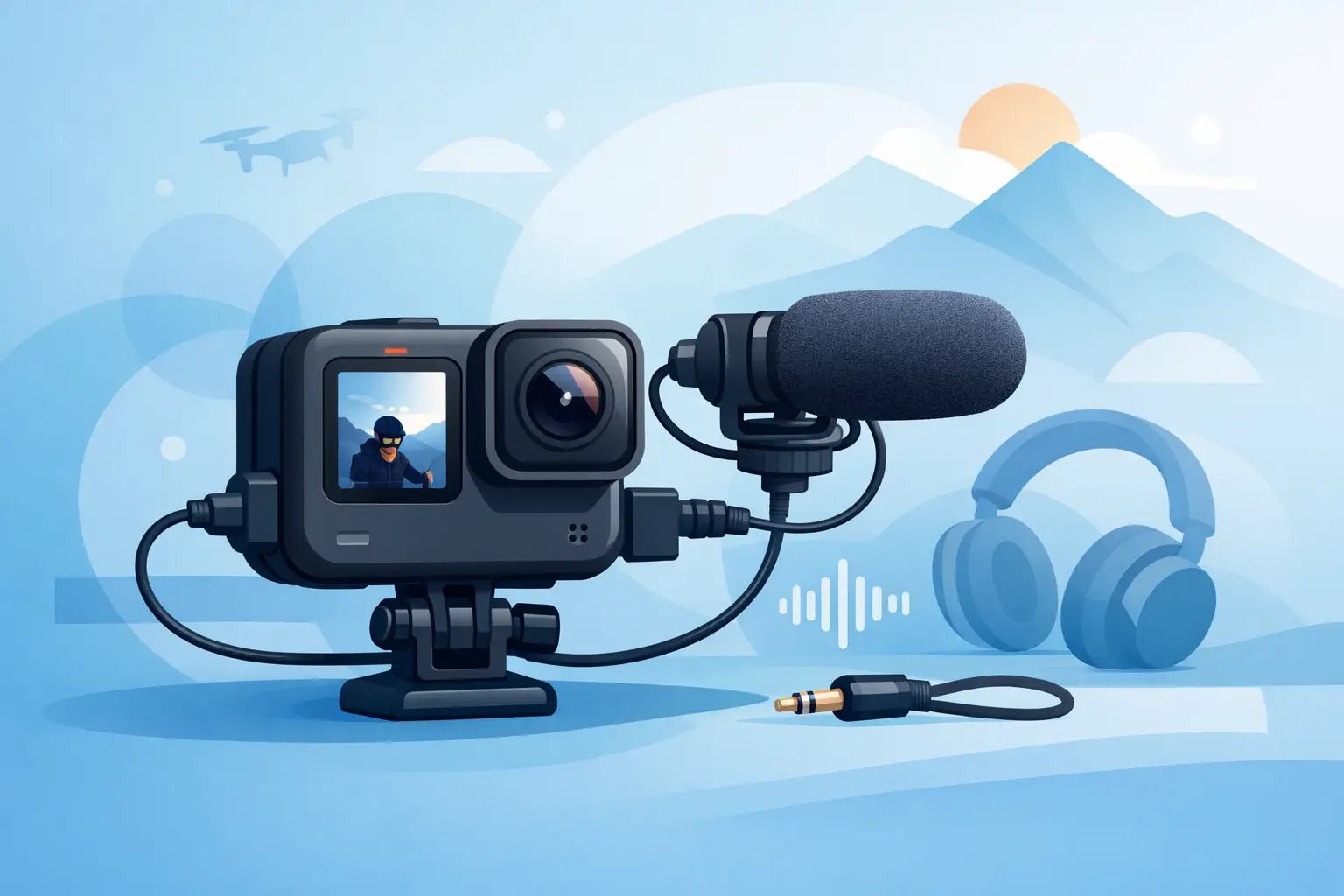
Bad audio gives away an action shot faster than shaky footage. If your video looks cinematic but sounds thin, windy, or distant, your GoPro external microphone setup is the fix that actually changes how your content feels. Better sound makes POV clips more watchable, vlogs more personal, and brand content more polished without forcing you into a giant camera rig.
GoPro is built for movement, speed, and minimalism. That is also why audio can get messy. The camera is usually far from your mouth, exposed to wind, and mounted in places that make built-in mics work harder than they should. Once you add an external mic, you get more control, but only if the setup matches how you shoot.
What a GoPro external microphone setup really needs
A clean GoPro external microphone setup usually comes down to four parts: the camera, the correct audio adapter or media housing, the microphone itself, and a mounting plan that does not fight your workflow. Miss one piece and the whole thing starts to feel clunky.
The first detail is compatibility. Most GoPro models do not accept a standard 3.5mm mic directly. Depending on your camera, you may need the official GoPro Pro 3.5mm Mic Adapter or a media-focused accessory that includes a mic input. This is the part many creators overlook, then wonder why the camera never detects the mic.
After that, the microphone choice matters more than most spec sheets suggest. A shotgun mic can work well if the camera stays pointed at you and relatively close. A lavalier or compact wireless mic usually makes more sense for talking content, walking shots, tutorials, and social clips where your voice needs to stay present even when the camera is moving around.
That is why many creators move toward wireless systems for action-camera work. A wired mic can be fine on a tripod or desk, but on a helmet, handlebar, chest mount, or travel rig, cables get old fast. You want mobility. You also want your audio gear to feel like part of the setup, not an awkward add-on.
Picking the right mic for your shooting style
There is no one-size-fits-all answer here. The best microphone for a GoPro depends on where the camera is, where you are, and what kind of content you are making.
If you film motovlogs, biking clips, skiing runs, or anything wind-heavy, a small onboard shotgun mic may still catch too much environment. It can improve clarity versus the built-in mic, but it will not magically isolate your voice in extreme conditions. In those cases, a lav mic placed under a jacket or helmet padding can sound better, though it may take more testing to avoid rustle.
If you shoot creator-facing videos, tutorials, travel clips, or vertical content with lots of talking, a wireless mic is usually the cleanest move. The transmitter stays close to your mouth, so your voice stays up front while the GoPro does its wide-angle thing. That creates a more premium sound with less dependence on camera placement.
If you mostly capture ambient scenes, like street rides, hikes, water footage, or scenic B-roll, an external mic might not even be about voice. It might be about getting richer environmental sound with less harshness. In that case, mic directionality and wind protection matter more than vocal pickup.
The trade-off is simple. The more isolated and polished you want the voice, the more likely you are to prefer a lav or wireless system. The more natural and scene-based you want the sound, the more an onboard mic can make sense.
How to build a GoPro external microphone setup step by step
Start with the camera and confirm what it accepts. If your model requires the GoPro mic adapter, use that exact piece. Third-party workarounds can be hit or miss, and audio problems are annoying to troubleshoot once you are already outside shooting.
Next, connect your microphone and test recognition before you mount anything. Record a short clip in a quiet room and play it back with headphones. You are checking for three things: is the signal coming through, is the level healthy, and is there any hiss, crackle, or intermittent dropout.
Then think about placement. This is where a lot of setups either feel smart or feel improvised. If you are using an onboard mic, keep it clear of mounting arms, fingers, cages, and anything that can block the pickup pattern. If you are using a lav or wireless transmitter, place it where clothing movement and wind will not constantly hit the capsule.
Once the mic is physically in place, deal with wind before you ever hit record outside. A foam cover helps indoors. Outdoors, you usually need a furry windscreen or stronger wind protection. GoPro footage often happens in motion, and motion creates airflow even on a calm day. Clean audio starts with controlling that.
Finally, simplify the rig. Creators stick with setups that are fast to use. If your GoPro external microphone setup takes ten minutes of cable routing and balancing every time, you will eventually stop using it. The best setup is the one you can grab, power on, and trust.
Settings that make a bigger difference than people expect
GoPro audio settings are not endless, but they still matter. Auto can work, but it is not always your friend if the scene changes constantly between quiet speech and loud movement. If your model offers manual audio control or processing options, test them in the actual environments where you shoot.
Pay attention to mic sensitivity and any wind reduction mode. Wind reduction can help in some situations, but it can also make voice sound thinner or more processed. If your priority is a crisp, present vocal, a strong external mic with proper wind protection often does more than heavy in-camera correction.
Also watch your distance. Even the best mic sounds average when it is too far away. That is why compact wireless systems have become such a smart fit for creator workflows. You get proximity without needing the camera close to your face in every shot. It is cleaner, more flexible, and more in line with how modern content gets made.
Common problems with a GoPro external microphone setup
If the audio sounds weak, first check the obvious issue: wrong adapter, loose connection, or a mic that needs power the GoPro is not supplying. Not every microphone behaves the same way with action cameras.
If the sound cuts in and out, look at cable stress and mount movement. Action cameras vibrate. Connectors shift. Tiny disruptions become very noticeable in audio.
If your voice sounds muffled, the mic may be hidden too deeply under clothing or blocked by a case, mount, or windscreen positioned badly. If it sounds overly roomy, the mic is probably too far from your mouth for the kind of content you are making.
And if everything sounds fine indoors but rough outdoors, it is almost always wind. Not bitrate. Not editing. Wind.
A smarter setup for creators, not just camera nerds
The best GoPro audio rig is not the most complicated one. It is the one that fits your content style, packs light, and gives your voice enough presence to hold attention. For social creators, travel shooters, and mobile-first video teams, that usually means keeping the camera small and putting the mic closer to the person speaking.
That is where modern wireless systems feel more current than old-school action-cam audio accessories. You are not just solving a technical problem. You are upgrading the whole vibe of the content. Cleaner voice. Less setup friction. Better-looking gear. Sound with style.
If you want your GoPro footage to feel less like raw capture and more like finished content, start with the mic path, not the next camera accessory. A sleek wireless option like the kind Wynwood Sound builds makes a lot of sense for creators who care about both clarity and portability, especially when the goal is better audio without turning a compact setup into a science project.
The sweet spot is simple: use the right adapter, choose the mic for your actual shooting style, protect against wind, and keep the setup easy enough to use every time. When your audio starts matching your visuals, your content stops feeling almost there and starts feeling ready to post.