
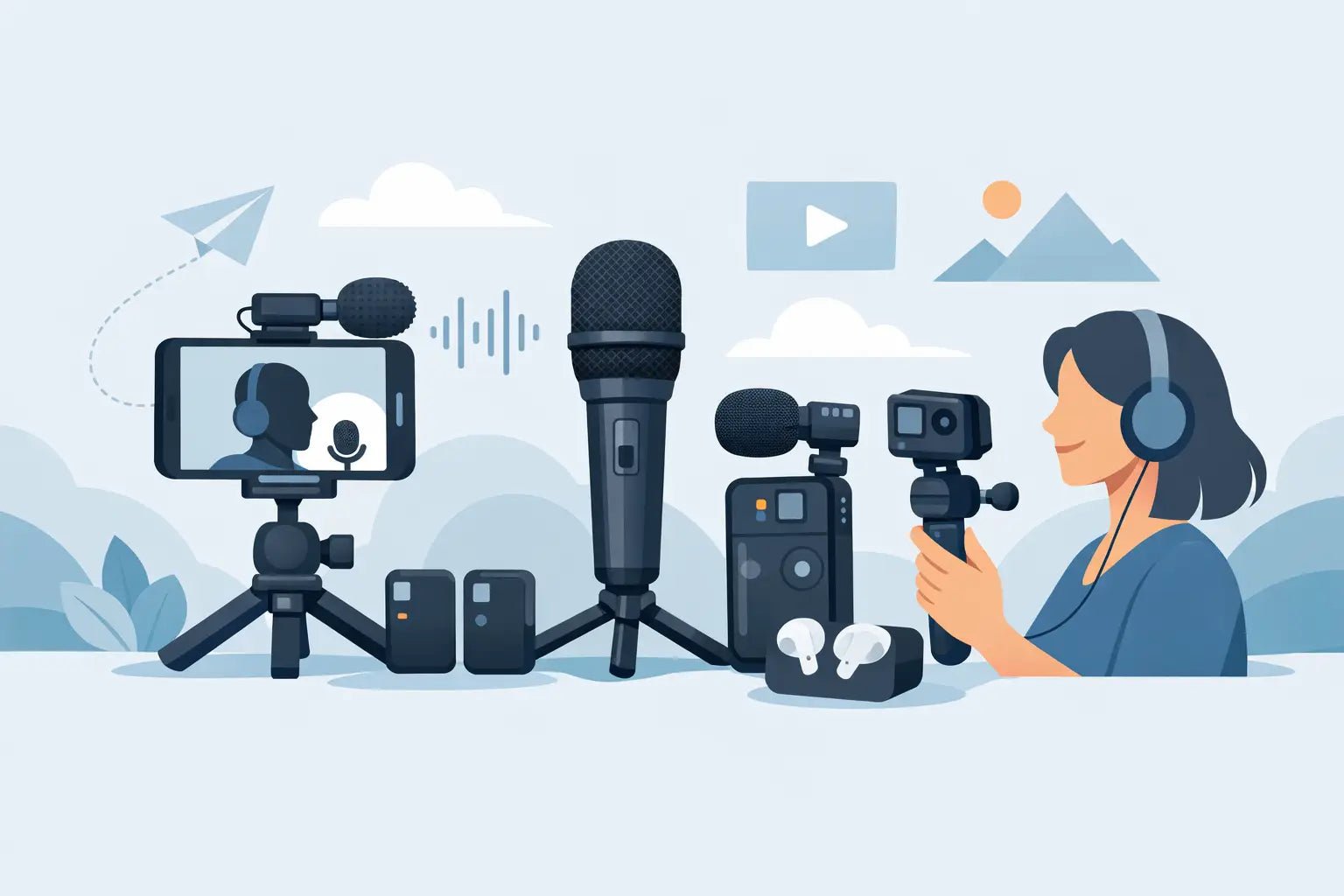
Bad audio gives away a rushed setup in seconds. You can shoot in perfect light, grade the footage beautifully, and still lose people if your voice sounds distant, thin, or buried in street noise. A smart portable microphone setup guide fixes that fast - not with more gear, but with the right gear in the right places.
For mobile creators, the goal is not to build a studio in your backpack. It is to get clean, controlled voice capture with minimal friction. That means choosing a setup that fits the way you actually shoot: walking and talking on an iPhone, filming reels with a compact mirrorless body, recording voiceover from a hotel room, or clipping into a jacket before a quick brand shoot downtown.
What a portable microphone setup really needs
Portable audio is a balance. You want better voice quality, but you also need speed, comfort, and a setup that does not make you look overbuilt for a casual piece of content. The best portable rigs disappear into the workflow.
At a minimum, your setup needs four things: a microphone that suits your format, a reliable connection to your device, stable placement on your body or camera, and a basic plan for controlling noise. Miss one of those and the whole chain feels less polished.
Wireless systems are usually the cleanest choice for creators who move. They keep your frame cleaner, give you more freedom on camera, and make phone-based shooting much less awkward than running cables. The trade-off is that you need to manage battery life, pairing, and receiver compatibility. Wired mics can still work well for desk recording or voiceover, but they are less forgiving when you are switching locations or shooting social content quickly.
Portable microphone setup guide for phones and small cameras
If you create primarily on a phone, start there. Most creators do not need an oversized audio rig attached to a compact device. A clip-on wireless mic with a receiver built for iPhone or Android is usually the most efficient setup because it keeps the signal path simple.
Clip the transmitter high on your shirt, jacket, or collarbone area, ideally six to eight inches from your mouth. That position usually gives you strong vocal presence without sounding too boomy. If the mic sits too low, your voice can feel hollow. Too high, and clothing rustle becomes a problem.
When using an action camera or a small handheld camera, the same logic applies, but the receiver placement matters more. Keep it secure, keep it visible enough to monitor if needed, and avoid adding so much bulk that it throws off the balance of the rig. Small cameras are popular because they stay agile. Your mic setup should protect that advantage, not kill it.
If your content style changes from talking-head clips to travel vlogs to run-and-gun interviews, portability matters even more than raw specs. A compact wireless system with voice enhancement can be the better real-world choice than a larger mic that sounds slightly better in perfect conditions but slows everything down.
Choose the right mic format for your workflow
Not every creator needs the same mic style. If you are speaking directly to camera while moving, a clip-on wireless mic is hard to beat. If you are recording seated tutorials, livestreams, or long-form voiceover, a small desktop or handheld option may make more sense. If you shoot outdoors often, wind protection matters as much as the microphone itself.
This is where a lot of setups go wrong. People buy based on category instead of context. A great podcast mic can be the wrong move for mobile video. A tiny travel mic can be perfect for TikTok and still feel limited for a multi-person interview. Your best setup is the one that matches your most frequent content, not your occasional edge case.
Match the mic to the device before you shoot
Compatibility sounds boring until it ruins a filming day. Phones, tablets, action cameras, and compact cameras all handle audio input differently. Some creators switch between iPhone, Android, DJI, and GoPro during the same week, which makes flexible receiver options especially valuable.
Before you record anything important, test the full signal chain. Confirm that your device recognizes the receiver, that levels are coming through, and that your recording app or camera is actually using the external mic instead of the built-in one. That last mistake is more common than people admit.
Placement matters more than most people think
Creators love gear upgrades, but placement often changes the sound more than the next price tier ever will. A well-placed compact mic can sound polished. A badly placed premium mic can sound amateur.
Keep the microphone in a stable spot that moves with your body, not against it. Loose hoodies, necklaces, thick jacket seams, and hair brushing against the mic can all create noise that is hard to fix later. For fashion-forward shoots, this takes a little extra thought because the cleanest visual placement is not always the cleanest acoustic placement.
If you want the mic to stay discreet, hide it carefully but not carelessly. Concealed placement can work, but fabric friction is the usual trade-off. For quick creator workflows, visible and well-positioned often beats hidden and compromised.
How to get cleaner audio in noisy spaces
A portable microphone setup guide is incomplete without the real issue: bad environments. Most creators are not recording in treated studios. They are filming in apartments, cafes, sidewalks, co-working spaces, hotel rooms, and event venues where sound changes by the minute.
The first move is simple: get the mic closer to your mouth. Distance is the enemy. The closer your mic is to your voice, the less room noise competes with it. That is why compact wireless systems work so well for mobile content. They bring the mic to the source instead of asking your camera to do all the work from several feet away.
Second, work with the room instead of against it. Soft furniture, curtains, rugs, and even a closet full of clothes can help tame reflections. Empty kitchens, concrete walls, and glass-heavy spaces tend to sound sharp and echoey. If you cannot change location, change position. Even turning away from a reflective wall can help.
Third, use built-in voice enhancement thoughtfully. Smart processing can improve clarity and presence, especially for creators who need speed and consistency. But it is not a magic fix for terrible placement or extreme wind. Tech helps most when the fundamentals are already in place.
A fast portable audio checklist before you hit record
You do not need a long preflight routine, but you do need one that catches the failures that cost time later. Check battery level on both transmitter and receiver. Confirm connection. Do a short test clip with headphones if possible. Watch for clothing noise. Make sure your gain is not peaking when you laugh, project, or emphasize a line.
If you are filming outside, add wind protection before you need it, not after the take is ruined. If you are shooting multiple clips in different spots, repeat a quick test when the environment changes. Portable setups are built for speed, but speed works best when it is disciplined.
The best setup is the one you will actually carry
There is a style layer to gear now, and that matters more than old-school audio circles like to admit. Creators want tools that perform well and fit the look of their setup. Clean industrial design, compact form, and low visual clutter all support better workflows because they make the gear easier to use and easier to bring everywhere.
That is where brands like Wynwood Sound make sense for modern creators. The appeal is not just smaller hardware. It is studio-leaning vocal clarity packaged for real mobile production, where aesthetics, convenience, and output quality all matter at once.
Still, no product solves every use case. If you record mostly at a desk, you may want a different primary mic than someone filming travel content all week. If you shoot interviews, dual-transmitter setups become more important. If your content is mostly voice-first social video, portability and fast setup may matter more than chasing the last five percent of fidelity.
A good portable setup should feel invisible when you are creating. It should let you move, shoot, talk, and publish without dragging technical friction into every session. Once your audio stops being the weak link, your content starts feeling more intentional - and people hear the difference before they even notice why.
The smartest upgrade is usually not more gear. It is a setup that fits your voice, your device, and your pace.