
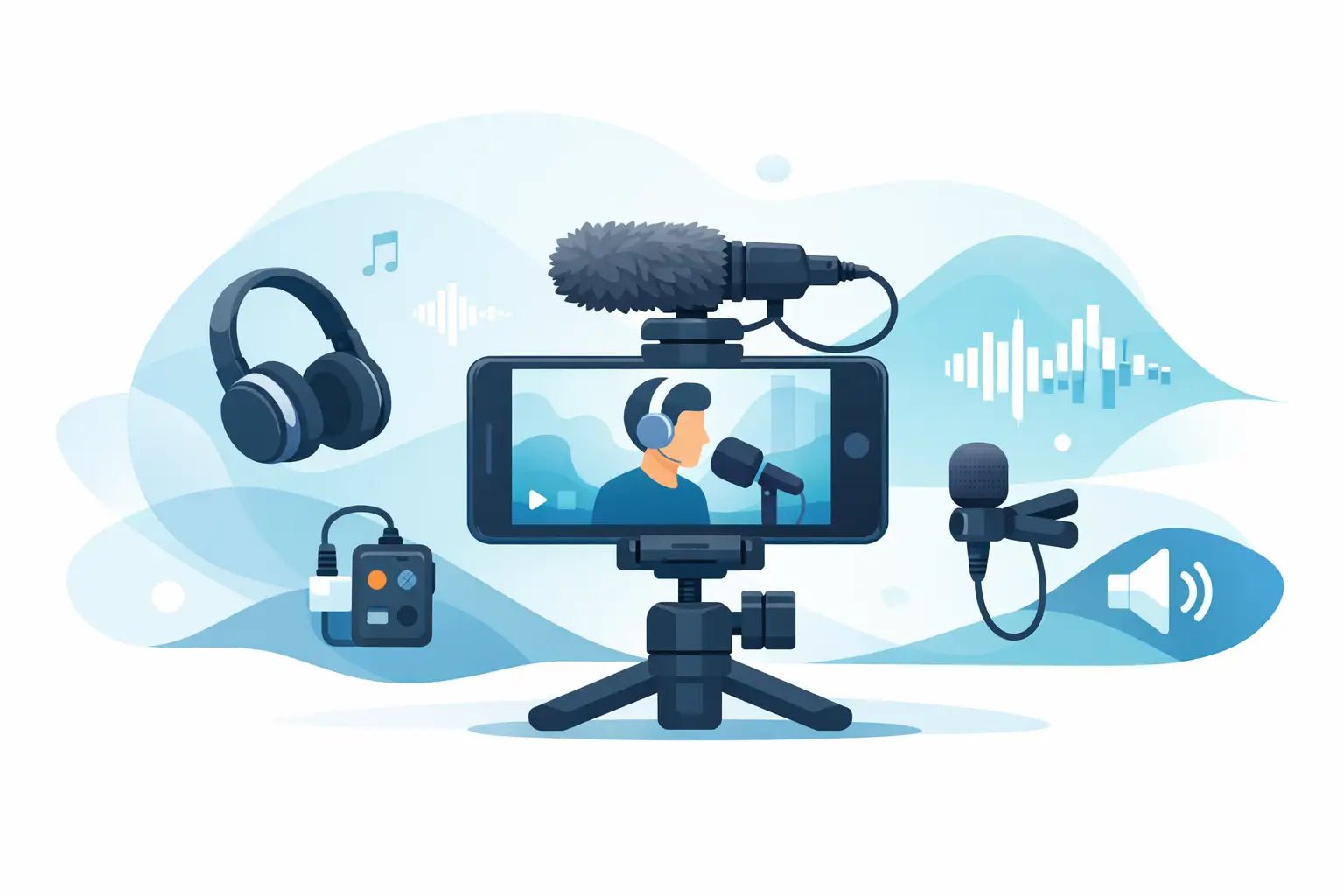
Bad audio gives away a rushed video in seconds. You can shoot in 4K, color-grade like a pro, and nail the edit, but if your voice sounds thin, distant, or buried under street noise, people feel it right away. That is why a mobile video audio guide matters for creators building on phones, action cams, and lightweight rigs where every piece of gear has to earn its place.
Mobile video is fast by nature. You are filming in cars, on sidewalks, in coffee shops, at events, in hotel rooms, and between meetings. The setup has to stay compact. The sound still has to feel intentional. That tension is where most creators struggle - not because they do not care about audio, but because traditional audio gear often slows everything down.
Why mobile video audio breaks so easily
Built-in camera mics are designed for convenience, not presence. They pick up whatever is closest and loudest, which often means room reflections, traffic, HVAC noise, and the camera operator handling the device. Your voice ends up sounding far away even when you are standing right there.
The problem gets worse on mobile shoots because the filming environment changes constantly. A quiet room can turn echoey with one hard wall behind you. A great outdoor frame can be ruined by wind. A selfie clip can sound decent until you rotate the phone, switch lenses, or step two feet farther from the mic.
This is why mobile audio is less about chasing perfect lab conditions and more about controlling the variables that matter most. Distance to the microphone, background noise, placement, and monitoring matter more than buying the biggest setup in the room.
A mobile video audio guide starts with mic distance
If you remember one rule, make it this one: the microphone should be close to the voice. That single move improves clarity more than most creators expect. It gives you a stronger direct vocal signal before room noise and environmental sound have a chance to compete.
That is also why compact wireless systems make so much sense for smartphone and action-camera creators. They let you keep the camera where it needs to be while moving the mic closer to your mouth. Instead of relying on a phone several feet away, you capture speech where it actually happens.
There is a trade-off, though. Close mic placement improves clarity, but poor placement can introduce clothing noise, plosives, and an overly chesty tone. Clip too low and the voice loses detail. Clip too high and you may catch breath bursts. For most talking-head, vlog, and run-and-gun setups, upper chest placement is the sweet spot.
Wired, wireless, and on-camera mics
A wired lav mic still works well if you are seated, staying in one place, and do not mind cable management. It is affordable and reliable. The downside is friction. Cables snag, limit movement, and make quick location changes annoying.
On-camera shotgun mics can be great when the camera stays close to the subject. They are useful for interviews, quick B-roll commentary, and some action setups. But once the camera moves away, audio quality drops fast. The frame may look cinematic while the voice sounds like it came from the back of the room.
Wireless mics fit the mobile workflow best when speed matters. They are built for movement, simple setups, and cleaner framing. For creators who shoot short-form content, product demos, tutorials, and lifestyle footage, that flexibility usually outweighs the extra battery management.
The right mobile video audio setup depends on what you shoot
Not every creator needs the same rig. If you record sit-down explainers at home, your priorities are voice consistency and room control. If you vlog outdoors, you need wind protection and stable wireless performance. If you shoot with a GoPro or DJI camera, you need something compact that does not fight the camera’s whole reason for existing.
For phone creators on iPhone or Android, the best setup is usually the one that disappears into the workflow. Quick pairing. Lightweight receiver. Minimal menu digging. Good voice presence without a lot of post-production. The goal is not to build a mini sound stage. It is to make great audio feel easy enough to use every time.
That is where creator-focused systems stand out. Products designed around mobile shooting are not just smaller. They are tuned for real-world use cases like speech enhancement, pocketability, fast mounting, and cross-device compatibility. That difference matters when your content schedule is measured in posts, not production days.
How to get cleaner voice in real locations
Most mobile creators do not record in treated studios. They record wherever the idea happens. So the smarter move is learning how to improve sound in imperfect spaces.
Start by listening before you hit record. Fridges hum. Air vents hiss. Cafes sound charming until plates start crashing. If something is making constant noise, either move, turn it off, or get closer to the mic. Hoping to fix everything later in editing is a slow way to work.
Room tone matters too. Empty rooms with glass, tile, and bare walls can make speech feel harsh and echoey. Softer spaces with curtains, furniture, rugs, or even a closet full of clothes often sound better than the room that looks best on camera. It depends on your framing priorities, but if vocal clarity is the goal, your ears should get a vote.
Outside, wind is the enemy people underestimate most. A light breeze can wreck a strong take. If you shoot outdoors often, proper wind protection is not optional. It is part of the kit. The same goes for mic placement under jackets or near loose fabric. A good-looking clip means nothing if every sentence is covered in rustle.
Gain, levels, and the trap of recording too hot
A lot of creators push audio levels too high because they want the waveform to look strong. That can backfire fast. Once speech clips, it is hard to repair cleanly. It is usually better to leave a little headroom than to force everything to peak.
If your mic system or camera app gives you level control, aim for healthy signal without slamming the top. Loud laughs, excited speech, and sudden emphasis happen more often than people think. Headroom protects those moments.
Noise reduction and voice enhancement can help, especially on mobile-first gear built for creators. But they work best when the source recording is already solid. Good placement first. Smart processing second. Not the other way around.
What creators should actually prioritize
This is the part where spec sheets can distract from outcomes. Range numbers, sample rates, and feature stacks look impressive, but they do not always tell you how the mic will fit your day-to-day workflow.
For most creators, the real priorities are simple. Does it make your voice sound clear and present? Can you set it up fast? Does it stay out of the way visually? Does it work with the devices you already use? Does it feel like gear you want to carry, not gear you keep leaving at home?
Design matters more than some people admit. If a microphone looks clunky, awkward, or too technical for your style of content, you may avoid using it on camera. That is not vanity. That is workflow. Creator gear lives in frame, in your bag, and in your hands all day. Performance matters. So does form.
Wynwood Sound approaches that balance well - compact creator-first audio that aims for cleaner vocals without making your setup feel heavier or less current. That direction makes sense because mobile creators need tools that match both the pace and the look of modern production.
A simple mobile video audio guide for better results every time
Before every shoot, do a fast audio check. Record ten seconds. Listen back on headphones. Move the mic if needed. That tiny pause saves more footage than any editing trick.
Keep the mic close, use wind protection when you are outside, and watch your levels. Choose locations with your ears, not just your eyes. If you are switching between phone, GoPro, and other compact cameras, favor audio gear that moves with you instead of forcing separate systems for each device.
And be honest about your workflow. If a setup takes too long, looks awkward, or needs too much fixing later, it is not mobile-friendly no matter how advanced it sounds on paper. The best mobile audio setup is the one that makes clear, confident voice capture feel automatic.
Great mobile video does not need a giant rig to sound premium. It needs intention. Get the mic closer, cut the friction, and let your voice carry the frame.