
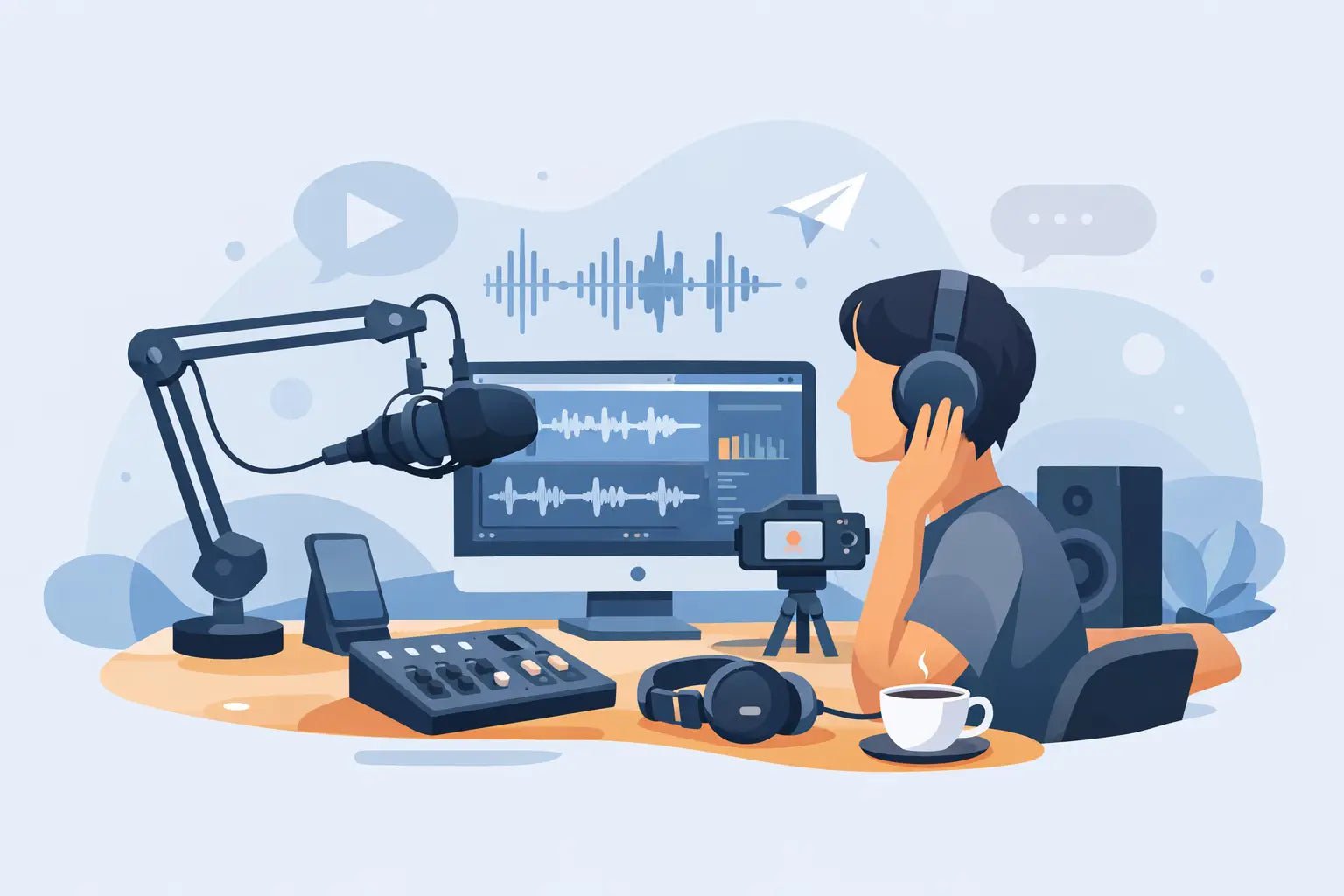
Bad audio gets skipped fast. You can shoot in 4K, grade your clips, and nail the hook, but if your voice sounds far away, hollow, or buried in wind, the content feels low effort. A smart creator audio setup for beginners fixes that early - and it does not need to look like a podcast studio exploded in your backpack.
For most creators, the goal is simple: clearer voice, less friction, more mobility. That means choosing gear that fits how you actually shoot. If you film on an iPhone between meetings, your setup should look different from someone recording talking-head videos at a desk. Sound with style matters, but function comes first. The best beginner setup is the one you will use every time.
What a creator audio setup for beginners really needs
A lot of first-time buyers assume better audio means more gear. Usually it means better signal at the source. The biggest upgrade is not a giant mic on a boom arm. It is getting the microphone closer to your mouth and reducing the amount of room noise the mic hears.
That is why compact wireless mics have become the default move for mobile creators. They keep your voice present while letting you shoot naturally, walk through a scene, or record outside without being tied to a desk. For short-form video, vlogs, interviews, fitness content, tutorials, and on-location clips, that balance of portability and clarity is hard to beat.
A beginner setup usually comes down to four parts: a microphone, a recording device, a way to monitor or review your sound, and a basic editing workflow. You do not need every accessory on day one. You need a clean chain from your voice to your final upload.
Start with the mic, not the camera
Built-in phone and camera microphones are convenient, but they capture everything around you. That includes traffic, room echo, air conditioning, keyboard clicks, and the weird slap of your own space. They are fine for reference audio. They are rarely fine for polished creator content.
If your workflow is mobile-first, a wireless mic system makes the most sense. It keeps the setup light, works with phones and compact cameras, and removes the awkward look of holding a handheld mic in every shot. If your content is mostly desk-based, a USB mic can also work well, especially for voiceovers, livestreams, or solo commentary.
The trade-off is flexibility. USB mics often sound great for stationary setups, but they are less useful when you want to move, film outdoors, or switch between devices. Wireless systems are more versatile for modern creators, though battery life, connection stability, and placement all matter. This is where a purpose-built creator product earns its place. A compact system designed for phones, action cameras, and fast shoots is simply easier to live with.
Pick the right setup for how you create
Your creator audio setup for beginners should match your content style, not someone else's studio tour.
If you make TikToks, Reels, or YouTube Shorts on your phone, keep it minimal. A wireless mic clipped close to your mouth, your smartphone, and a simple editing app are enough to create a major jump in quality. This is the cleanest setup for creators who shoot fast and post often.
If you film with a GoPro or compact action camera, audio gets trickier because those cameras are built for movement, not rich voice capture. A wireless mic system that works with action-cam workflows can solve that problem fast. You keep the energy and portability of the camera without the thin, distant sound that action footage often has.
If you record podcasts, livestreams, or long-form desk content, a desktop mic may still make sense. Just know the room starts to matter more. A great mic in a reflective room can still sound rough. Soft furnishings, rugs, curtains, and smart mic placement can improve your sound more than upgrading to a more expensive model.
Placement matters more than beginners think
You can buy solid gear and still get weak audio if the mic sits in the wrong place. This is one of the easiest mistakes to fix.
For a clip-on wireless mic, keep it centered or slightly off-center on your chest, usually six to eight inches below your mouth. Too low, and your voice loses presence. Too high, and clothing friction becomes a problem. If you are wearing layers, test how the fabric moves when you talk. Fashion-forward gear looks great, but clean placement still wins.
For desk mics, get the microphone closer than feels natural at first. Most beginners keep the mic too far away because they do not want it in frame. That usually creates a roomy, distant sound. Frame around the mic or keep it just out of shot. Your audience will forgive seeing a mic before they forgive bad audio.
Don’t ignore monitoring
A lot of creators only discover audio problems while editing. By then, the moment is gone. A quick sound check before recording saves time, saves reshoots, and saves your patience.
Monitoring does not need to be complicated. Listen to a test clip through headphones before a session. Check for hum, wind, echo, clipping, or connection issues. If you are recording outdoors, do not trust your ears in the moment. Wind can sound manageable in real life and harsh on playback.
If your mic system offers voice enhancement or noise reduction, test it in your real environment instead of assuming the feature will fix everything. Smart processing can help a lot, especially for mobile creators, but it is not a magic eraser. Strong source audio still matters.
Your room is part of the setup
Creators love talking about gear because gear is visible. Rooms are less exciting, but they change everything. Hard walls, empty spaces, glass, and tile create reflections that make speech sound boxy or harsh.
You do not need acoustic panels all over your apartment. A softer room is often enough. Record near curtains, rugs, couches, and bookshelves. Avoid kitchens, bathrooms, and bare conference rooms whenever possible. If you shoot in a large space because it looks good on camera, bring the mic closer and keep your voice directed toward it.
This is one of those it depends areas. If your content is mostly outdoors or run-and-gun, room treatment matters less than wind handling and mic stability. If your content is mostly indoor talking-head video, room control might matter more than the mic model itself.
Keep the edit simple at first
Clean recording beats heavy fixing. That is the real beginner shortcut.
You do not need an advanced audio chain with compression, EQ, de-noise, and mastering presets right away. Start with basic cleanup. Trim mistakes, level out volume if needed, and reduce obvious background noise carefully. Too much processing can make your voice sound brittle or artificial, which is worse than a little natural room tone.
Aim for consistency more than perfection. If every video sounds clear, present, and easy to understand, your audience notices. They may not compliment the audio directly, but they stay longer. That is the metric that matters.
What to skip when you’re just starting
Beginner creators often overspend on accessories that solve problems they do not have yet. You probably do not need a mixer, audio interface, studio monitors, or multiple backup mics on day one. You also do not need to chase every technical spec if your main platform is mobile content.
Spend where the audience hears the difference. That usually means a reliable microphone, easy compatibility with your phone or camera, and a setup that travels well. Clean design matters too. Gear that feels current and portable is more likely to become part of your everyday workflow. That is one reason creator-focused brands like Wynwood Sound stand out - they build for the reality of modern shooting, not just the spec sheet.
A smart beginner setup looks smaller than you think
There is a certain relief in realizing your audio setup does not need to be massive to be credible. For most creators, the sweet spot is compact, fast, and repeatable. A wireless mic, the device you already shoot on, a quick monitoring habit, and light editing can carry a lot of content.
The real flex is not owning the most gear. It is sounding clear every time you hit record. Start there, keep it clean, and let your voice do the work.