
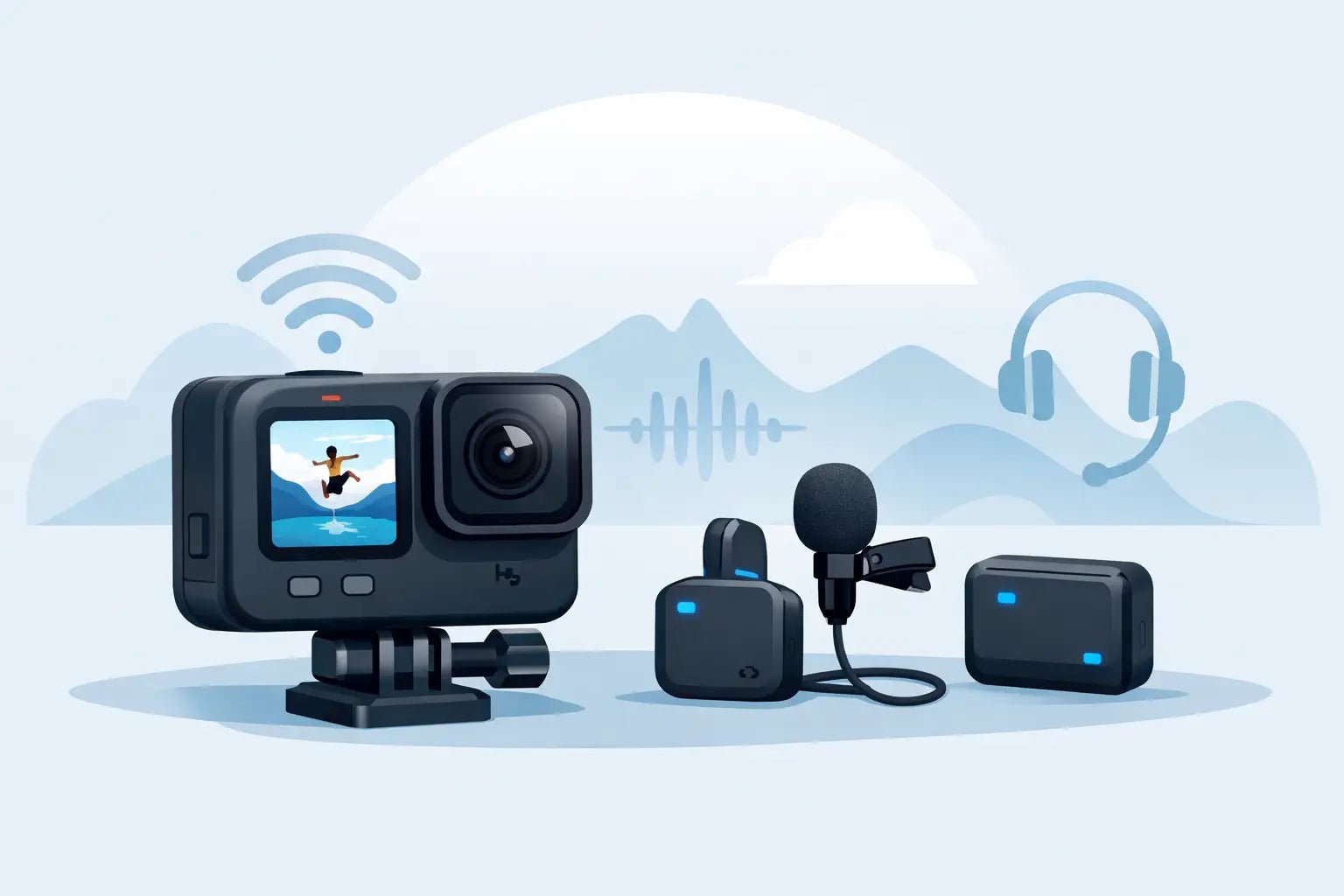
Bad GoPro audio gives you away fast. The shot can be sharp, the movement can be cinematic, the edit can be tight - but if your voice sounds distant, windy, or thin, the whole piece feels cheaper than it looks. A smart gopro wireless microphone setup fixes that without turning your action camera rig into a mess of adapters and cables.
For creators, that balance matters. You want cleaner dialogue, but you also want speed. You want gear that travels light, looks good on camera, and works when the scene changes fast. That is the real challenge with GoPro audio - not just getting sound into the camera, but getting sound that actually fits a modern creator workflow.
What a GoPro wireless microphone setup really needs
A lot of creators assume the camera is the hard part. Usually it is not. The real friction comes from how GoPro handles external audio. Depending on your model, you may need a media accessory, a specific adapter path, or a receiver that outputs a camera-friendly signal. If one piece is off, the whole chain gets clunky.
A good gopro wireless microphone setup usually comes down to four parts: the mic transmitter, the receiver, the connection into the GoPro, and the way you mount it all so the setup still feels portable. Miss any one of those, and your compact action camera starts acting like a studio build gone wrong.
This is where trade-offs show up. The smallest setup is not always the best-sounding one. The most flexible setup is not always the fastest to deploy. If you shoot vlogs, POV clips, travel reels, and behind-the-scenes content, you want a setup that keeps audio clean without slowing down your pace.
Start with your GoPro model and input path
Before you buy anything, check how your specific GoPro accepts external audio. Some models work best with a media mod. Others rely on an official audio adapter. That detail changes everything, because your wireless receiver has to physically and electronically fit the path your camera supports.
If your GoPro requires an adapter, factor that into your rig from day one. It affects size, cable routing, and how secure the build feels when you are walking, biking, filming in a car, or shooting handheld. On paper, one small adapter does not sound like much. In real use, it can be the difference between a clean minimalist setup and a dangling cable situation you end up hating.
That is why creators who move fast tend to prefer smaller wireless systems with simple receiver outputs. Less bulk. Less friction. Better odds that you will actually use it every time.
Choosing the right wireless mic system for GoPro
Not every wireless mic is a natural fit for action cameras. Some are built more for desks, interviews, or static indoor scenes. For a GoPro, you want compact transmitters, a receiver with camera output, solid battery life, and enough vocal clarity that your voice still cuts through outdoor noise.
The sweet spot is a system made for creator mobility. Small enough to disappear into your workflow. Strong enough to handle real-world shooting. Stylish enough that it does not look like leftover broadcast gear clipped to your shirt.
If you create for social platforms, vocal presence matters more than many people realize. A tiny action cam already creates visual distance. Your audio has to pull the viewer back in. That is why modern voice-enhancing systems feel like such a smart move. They do more than transmit sound. They help your voice land with more focus and polish, especially when you are filming on the move.
Wynwood Sound approaches this well with creator-first wireless mic design that keeps portability and appearance in the same conversation as performance. That matters when your gear is part of your workflow and your on-camera identity.
How to build a clean setup without overbuilding it
The best GoPro rigs are usually the simplest ones. Clip the transmitter close to your mouth, keep the receiver secure, and make sure the connection into the camera is short and stable. That sounds obvious, but many audio problems start with creators adding too much.
A common mistake is using a wireless system designed for multiple cameras, multiple outputs, and more controls than a fast-moving creator actually needs. If your use case is mostly solo content, vlogging, tutorials, travel, fitness, or action clips with spoken narration, simplicity wins.
Mounting matters too. If the receiver sticks out awkwardly or puts stress on the port, you will feel it every time you reposition the camera. A tidy setup should let you move from handheld to tripod to chest mount without needing a reset. If the cable is loose, if the adapter wiggles, or if the receiver blocks your screen access, it will become annoying fast.
Mic placement is where sound quality gets real
People love to obsess over specs, but placement is still one of the biggest factors in how professional your audio feels. A wireless mic clipped too low can make your voice sound weak. Too close to your chin and you may get harsh plosives or clothing contact. Hidden under thick fabric, it can sound muffled.
For most spoken GoPro content, place the mic around upper chest level with a clear path to your mouth. If you are moving hard - running, riding, or filming outdoors - pay extra attention to clothing noise. Lightweight jackets, necklaces, and loose fabric can ruin a clean take faster than a bad camera setting.
Wind is the other big variable. GoPro users deal with it constantly. Even if your wireless system sounds great indoors, outdoor shooting changes the equation. Use wind protection when available and be realistic about conditions. No compact setup fully defeats strong wind. The goal is control, not perfection.
Indoor, outdoor, and action shots all need different expectations
This is where it depends becomes the honest answer. A gopro wireless microphone setup for a talking-head clip in a parked car is different from one used on a boardwalk, a hiking trail, or a bike ride. The same gear can work across all of those, but your expectations should shift.
Indoors, focus on clarity and tone. Outdoors, focus on isolation and stability. In high-motion shots, focus on secure placement and usable voice capture rather than studio-perfect sound. Creators who understand that tend to get better results because they stop fighting the environment and start setting up for it.
If you are recording direct to camera, monitor your levels as much as your setup allows before committing to a full shoot. A quick test clip saves time. So does listening for background hum, clipping, or an audio signal that is too low. GoPro footage is often used in fast edits, but bad sound still slows post down.
The most common setup mistakes
Most GoPro audio issues are not dramatic failures. They are small mismatches. The wrong cable. The wrong output setting. A receiver that is powered on but sending an unsuitable level. A transmitter placed where fabric keeps brushing it. These are the things that create disappointing results even when the gear itself is solid.
Another common mistake is assuming built-in processing will fix everything later. It helps, but only up to a point. If your original recording is thin, distorted, or covered in wind blasts, editing can only do so much. Clean capture still wins.
There is also a style mistake creators make without realizing it - building a setup that looks too technical for the kind of content they make. If your brand is polished, casual, fashion-aware, or lifestyle-driven, your gear should not distract from that. Compact, visually clean audio tools simply fit better on modern creator shoots.
A setup that fits the way you actually shoot
The right setup is the one you will bring every time. Not the one with the longest feature sheet. Not the one that works best only in ideal conditions. If your GoPro is part of a lightweight creator kit, your audio should match that energy.
Think in terms of rhythm. How fast can you clip in, power up, frame the shot, and start talking? Can you move locations without rebuilding the rig? Can you trust your voice to sound present without hovering over settings? That is what separates a smart buy from gear that sits in a drawer.
For most creators, the goal is not to make a GoPro behave like a full production camera. It is to make small-camera content sound intentional. Clean voice. Fast setup. Minimal visual clutter. Sound with style.
A good GoPro audio setup does not need to feel complicated to feel premium. It just needs to make your voice hit the way your visuals already do. And once that clicks, your content feels more finished before you even start editing.