
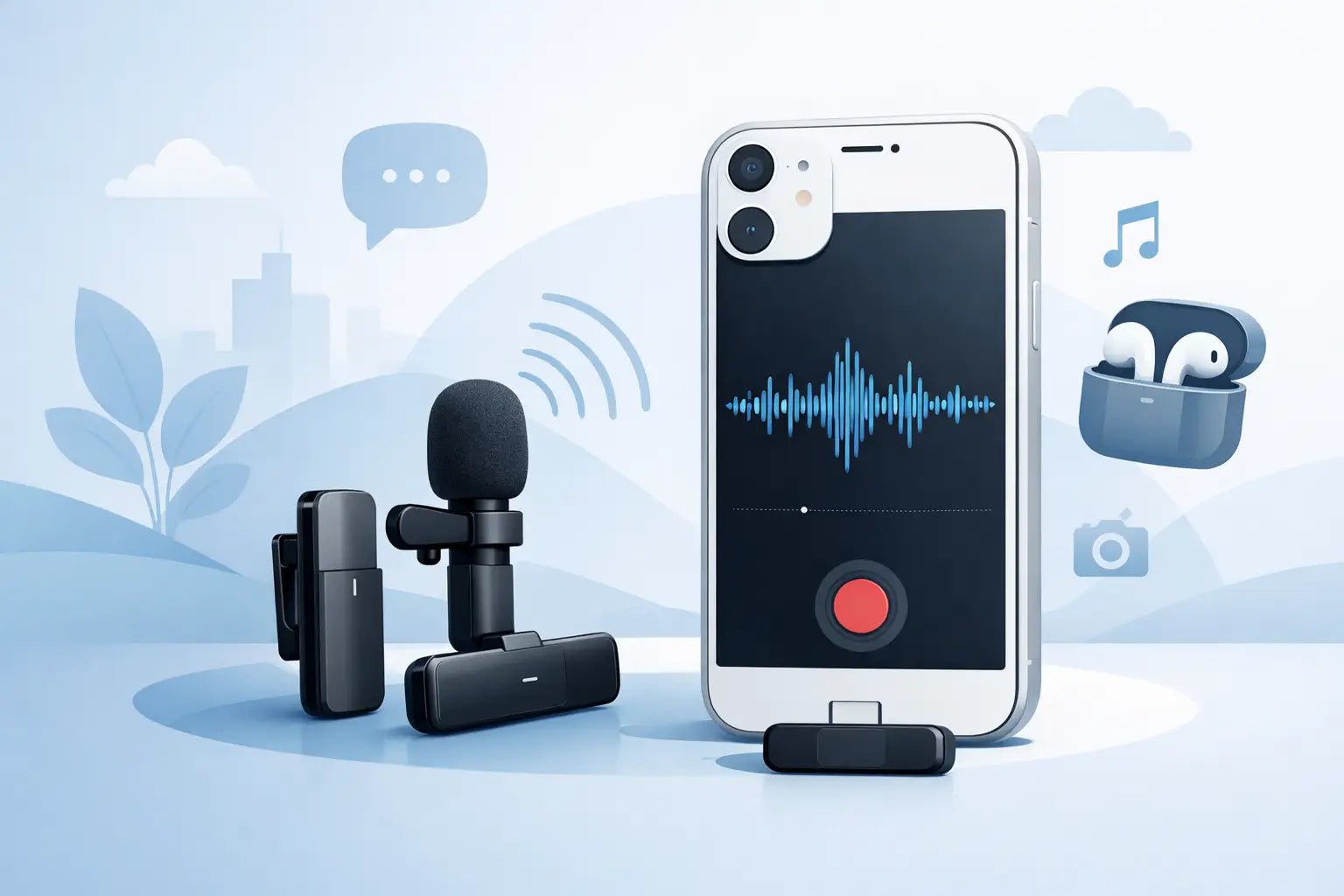
Bad audio gives away a rushed video in seconds. You can have clean framing, sharp edits, and strong lighting, but if your voice sounds distant, windy, or buried under street noise, people scroll. That is why choosing the right wireless microphone for iPhone recording matters so much for creators who want mobile content to feel polished without dragging around a full rig.
The good news is that iPhone audio workflows are better than they used to be. The bad news is that not every wireless mic that claims to work with iPhone is built for how creators actually shoot. Some are tiny but weak in noisy spaces. Some sound great but add friction to fast-moving content. Some look like they belong in a conference room, not clipped onto a clean fit you actually want on camera.
What a wireless microphone for iPhone recording should actually do
For creator work, a mic is not just a spec sheet. It is part of your flow. The best option should connect fast, stay stable, and make your voice sound closer, clearer, and more intentional than the built-in phone mic ever could.
That usually means a compact transmitter you can clip on, a receiver that connects directly to your iPhone or through the right adapter, and onboard processing that helps your voice cut through the environment. Size matters here. If the mic is too bulky, it pulls on fabric and looks awkward in frame. If it is too minimal without enough processing, you may get convenience but not the upgrade you expected.
Strong wireless performance also matters more than many buyers realize. If you shoot walk-and-talk videos, fitness clips, tutorials, travel content, interviews, or casual outdoor pieces, connection stability is part of sound quality. Clean tone means very little if the signal drops every few steps.
Why iPhone creators need more than the built-in mic
The iPhone has a solid camera system, but built-in microphones are still built for general use. They capture everything around you, not just what you want the audience to hear. That is fine for quick memories. It is not ideal for brand content, reels, vlogs, or social ads where voice clarity carries the message.
A dedicated wireless microphone for iPhone recording moves the mic closer to your mouth, which instantly improves presence. Your voice sounds more direct. Room echo drops. Street noise becomes less dominant. You do not need to crank volume in post just to sound usable.
This is where mobile creators usually notice the biggest shift. Better audio does not just sound more professional. It makes content easier to watch. People stay longer when they are not working to understand you.
The features that make the biggest difference
Creators often get pulled toward long feature lists, but only a few things really shape the day-to-day experience.
First is vocal clarity. Look for a system tuned for spoken voice, not just generic audio capture. A mic that flatters speech can make a solo video, live-style monologue, or on-the-go product pitch feel instantly more elevated.
Second is noise handling. No wireless system can erase a bad environment completely, so this is always a trade-off. If you record in coffee shops, on sidewalks, at events, or in windy outdoor spots, some form of voice enhancement or noise reduction helps. The key is balance. Too little filtering leaves chaos in the background. Too much can make your voice sound processed.
Third is connection simplicity. If your setup takes too long, you will use it less. Fast pairing, direct compatibility with iPhone workflows, and intuitive controls matter more than most people admit.
Battery life matters too, but in a practical way. Most creators do not need marathon runtimes every day. They need enough power for a full shoot block, plus a charging case or quick recharge that fits a mobile schedule.
Then there is design. That is not vanity. If you are on camera constantly, your gear becomes part of the visual. A mic that feels modern, compact, and intentional fits the creator economy far better than something that looks like leftover broadcast gear from another era.
Wired versus wireless on iPhone
Wired lav mics still have a place. They are often cheaper, and for seated recordings they can work well. But once you move into modern creator workflows, wireless wins on flexibility.
You can step back from the phone. You can frame wider shots. You can film workouts, demonstrations, outfit clips, cooking videos, tutorials, and handheld walkthroughs without fighting a cable. That freedom changes how content feels. It gives your videos more motion and more personality.
There are trade-offs. Wireless systems cost more, need charging, and can be affected by interference in crowded environments. But for most iPhone creators making frequent content, the convenience is worth it.
How to choose the best wireless microphone for iPhone recording
Start with where you film most often. If you mainly shoot indoors in controlled spaces, almost any decent wireless system can improve your sound. In that case, comfort, appearance, and ease of use may matter most.
If you shoot outdoors or in mixed environments, you need more than baseline performance. Prioritize voice enhancement, stable transmission, and wind handling. The difference between an average mic and a strong one becomes obvious the first time you record near traffic or in an open space.
Next, think about your content format. Solo creators can keep things simple with a single-transmitter setup. Interview creators, podcasters, and duo presenters should look for two-transmitter systems that let both voices sound matched and clean.
It also helps to think about post-production habits. If you like fast publishing, choose a mic that sounds polished straight from the source. If you are comfortable editing every clip, you can tolerate a more neutral capture and shape it later. Most social-first creators prefer less cleanup, not more.
Finally, do not ignore aesthetics. Your setup says something about your brand. The right audio gear should feel like an extension of your style, not a compromise you hide between takes.
Common mistakes when buying a wireless microphone for iPhone recording
One mistake is shopping only on price. Cheap wireless mics can work for casual use, but they often fall apart where creators need help most - noisy spaces, inconsistent connection, weak voice presence, or awkward setup.
Another mistake is overbuying for technical scenarios you do not actually have. If you are not recording film sets or complex multi-cam productions, you may not need an oversized system with controls you will never touch. Mobile creation rewards gear that is smart, compact, and fast.
A third mistake is ignoring compatibility details. iPhone workflows can vary depending on model, port type, and recording app. A mic might technically connect but still feel clunky if the receiver or adapter setup is awkward.
And then there is appearance. For a lot of creators, this gets dismissed as secondary. It is not. If a microphone looks distracting on camera, feels too large on lightweight clothing, or clashes with your visual identity, you will notice it every time you shoot.
What creators should expect from modern wireless audio
The best mobile audio gear now goes beyond simple transmission. It helps shape a more usable voice signal before the edit. That is especially valuable for creators who need speed without wanting their content to sound flat or amateur.
This shift is why newer creator-focused systems stand out. They are designed around real use cases, not old studio assumptions. Better portability. Better speech tuning. Better visual design. Better fit for people building content businesses from a phone.
A brand like Wynwood Sound sits right in that lane, where voice enhancement and product design both matter. That combination makes sense because creators do not just need functional gear. They need tools that fit the pace and image of modern content.
When a wireless mic is worth the upgrade
If you only record the occasional voice note or family clip, a wireless mic may be optional. But if your iPhone is part of your business, your audience growth, or your creative identity, better audio pays for itself quickly.
You hear it in cleaner hooks, more confident delivery, and fewer ruined takes. You see it in content that feels more premium without becoming harder to produce. And you feel it in the freedom to shoot where inspiration hits, instead of only where the room happens to sound quiet.
That is the real standard. The right wireless mic should make recording on iPhone feel easier, look better, and sound more like you meant it. Choose the one that keeps up with your voice, your pace, and the way you actually create.